Observe mode#
Observe mode is a view-only session mode for watching a host without sending it keyboard or mouse input. It prevents accidental clicks and keystrokes on the host while you watch someone work or monitor a running task.
Applies to#
- Jump Desktop on Windows and macOS.
- Any host. Observe mode is a client setting.
- Not available in the browser client or in Jump Desktop on iPhone, iPad, or Android.
Turn observe mode on or off#
During a session, choose Remote > Observe. A check mark indicates that observe mode is on. To turn it off, choose Remote > Observe again.
If you type or click while observe mode is on, Jump Desktop displays a reminder.
Connect in observe mode once Alpha#
In Jump Desktop 10.16 for Windows and Mac, you can start a single connection in observe mode from the computer list: right-click one or more computers and choose Connect in Observe Mode. In Jump Desktop for Windows, and in Jump Desktop for Mac on macOS 14 or later, the command is available only when every selected computer uses Fluid. It applies to that connection only and does not change the setting for starting every connection in observe mode. See Find and organize your computers.
Start every connection in observe mode#
- Windows: in Settings, on the General Settings page, select Start Connections In Observe Mode. In Jump Desktop 10.16 Alpha, choose File > Settings > General and turn on Start connections in observe mode.
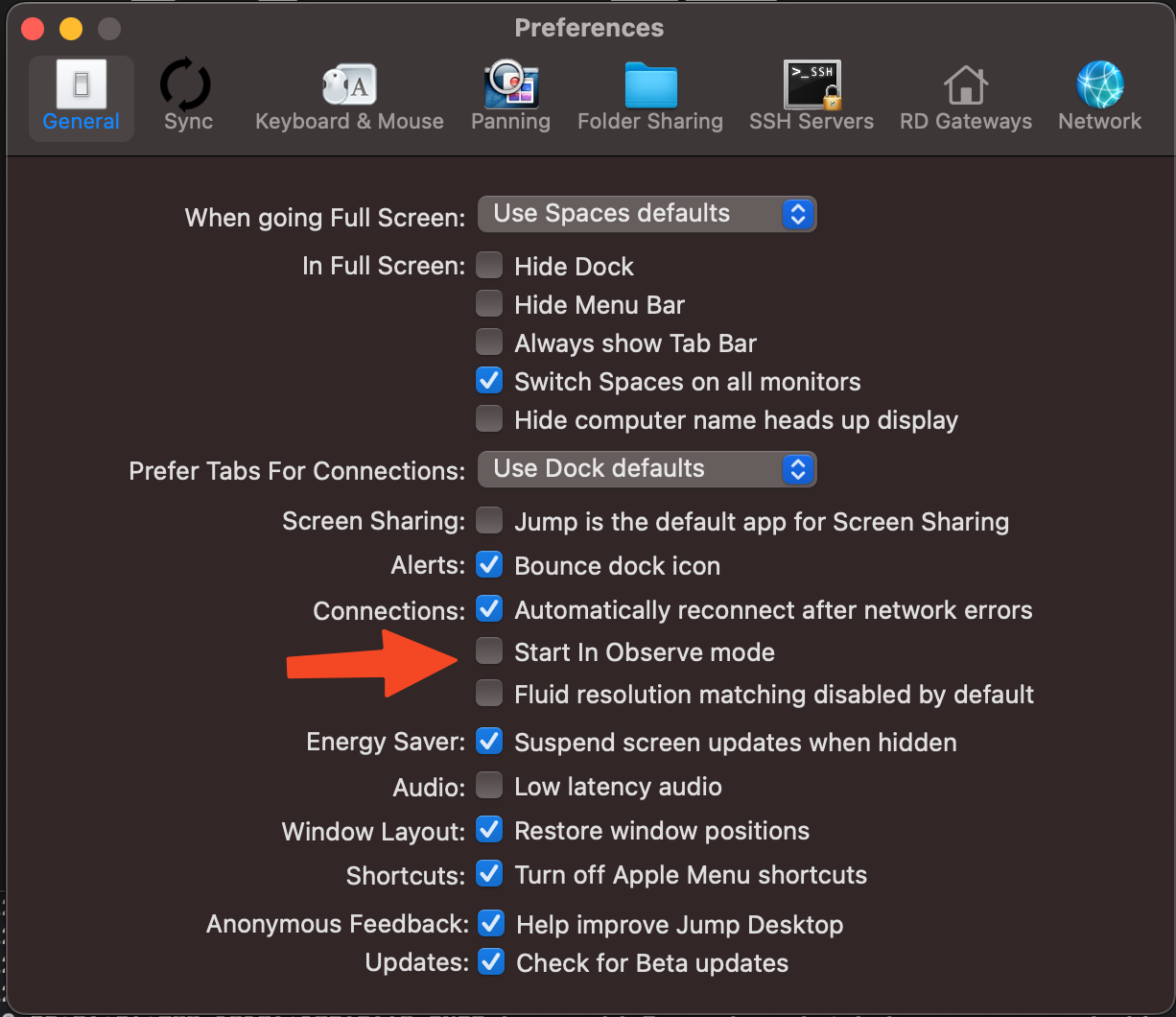
- macOS: in Jump Desktop settings, on the General page, select Start In Observe mode. In Jump Desktop 10.16 Alpha on macOS 14 or later, the Settings window lists it as Start in Observe mode under General > Connections.